Features
Drawfinity is an infinite canvas drawing app with pressure-sensitive brushes, real-time collaboration, and a built-in turtle graphics scripting environment.
Infinite Canvas
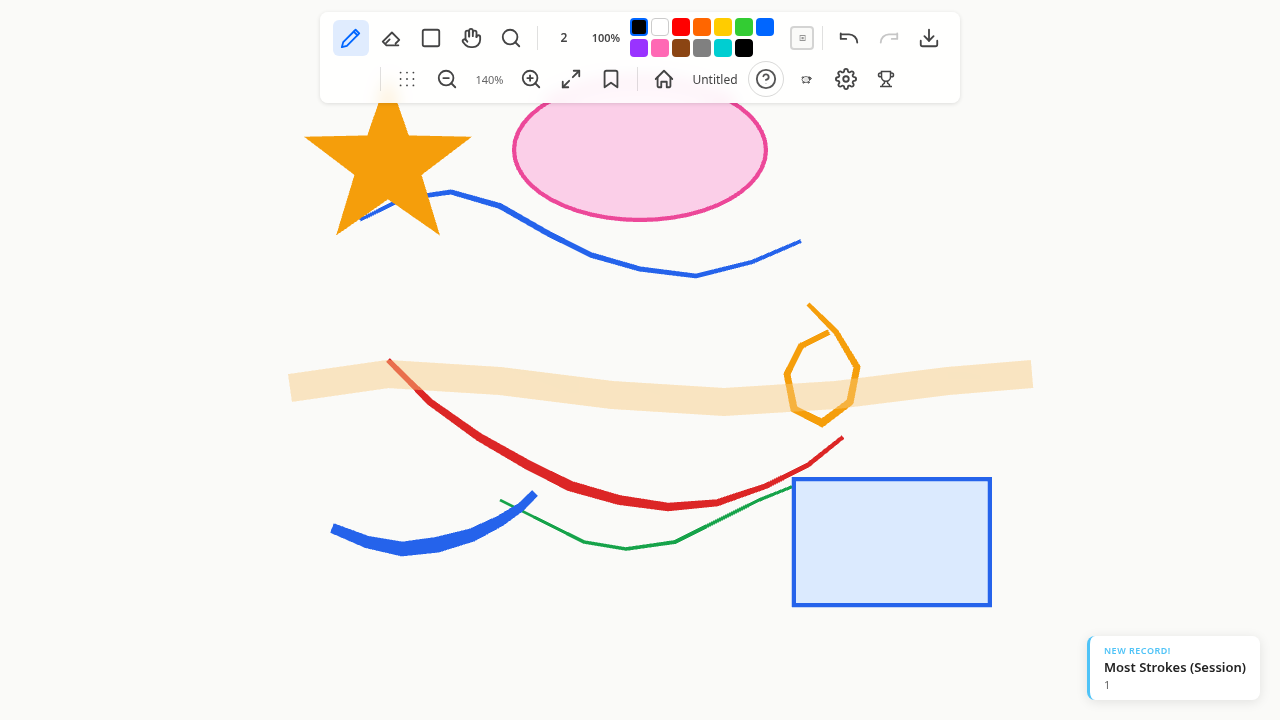
Draw without boundaries on a smooth, zoomable canvas. The camera supports momentum panning — flick the canvas and it glides with inertia — and log-space zoom for perceptually uniform speed at any scale.
- Zoom range from
1e-10to1e10(effectively infinite) - Scroll wheel, trackpad pinch, or keyboard shortcuts for zoom
- Toggle a reference dot grid with
Ctrl+' - Camera bookmarks to save and recall positions (
Ctrl+B)
Drawing Tools
Brush Presets
Drawfinity comes with four brush presets, each tuned for a different use case:
| Preset | Width | Pressure | Opacity | Use case |
|---|---|---|---|---|
| Pen | 2px | Constant | Full | Technical drawing |
| Pencil | 1.5px | Responsive | Pressure-based | Sketching |
| Marker | 8px | Low sensitivity | Full | Bold strokes |
| Highlighter | 16px | Constant | 30% | Overlay marking |
Switch between presets with number keys 1–4, and adjust size with [ / ].
Shape Tools
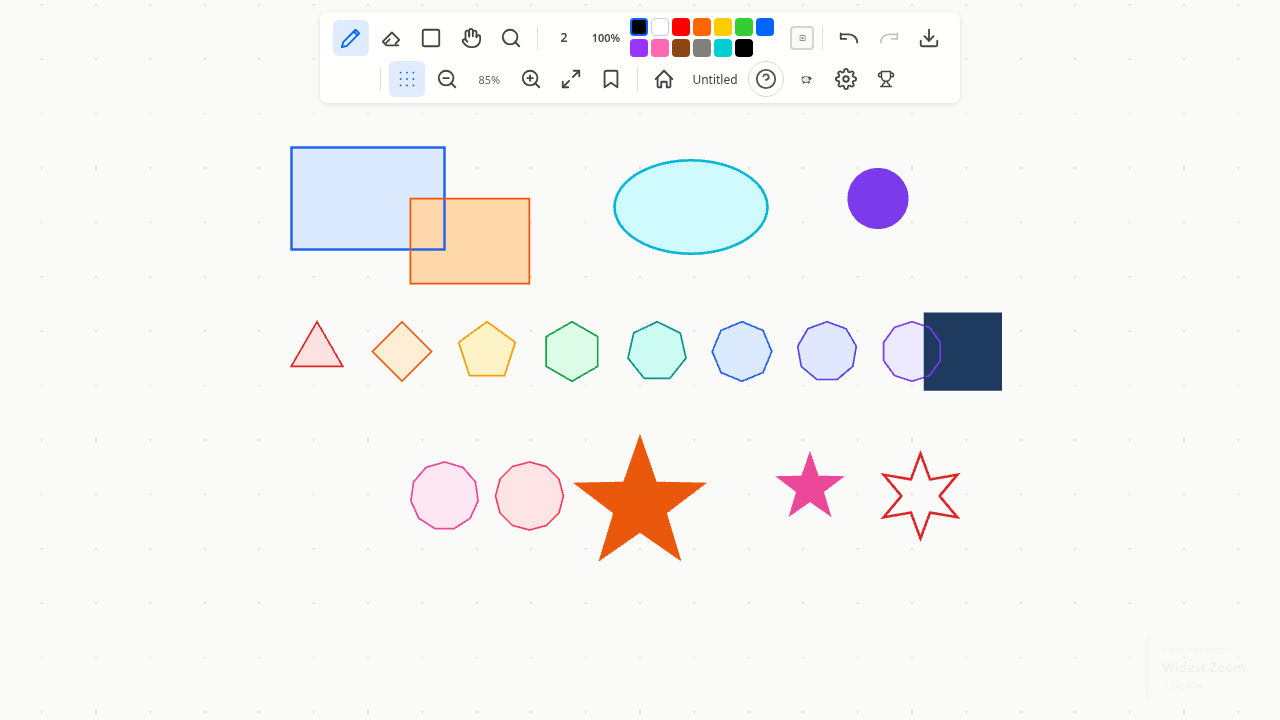
Four shape tools for quick geometry, each supporting pressure-sensitive stroke width:
- Rectangle (
R) — click and drag to draw rectangles - Ellipse (
O) — click and drag to draw ellipses - Polygon (
P) — click and drag to draw polygons - Star (
S) — click and drag to draw stars
Eraser
Press E to switch to the eraser tool and remove strokes by drawing over them.
Real-time Collaboration
Connect to a shared room and draw together — all changes sync instantly and conflict-free via Yjs CRDTs. Multiple users can draw at the same time without conflicts or overwrites.
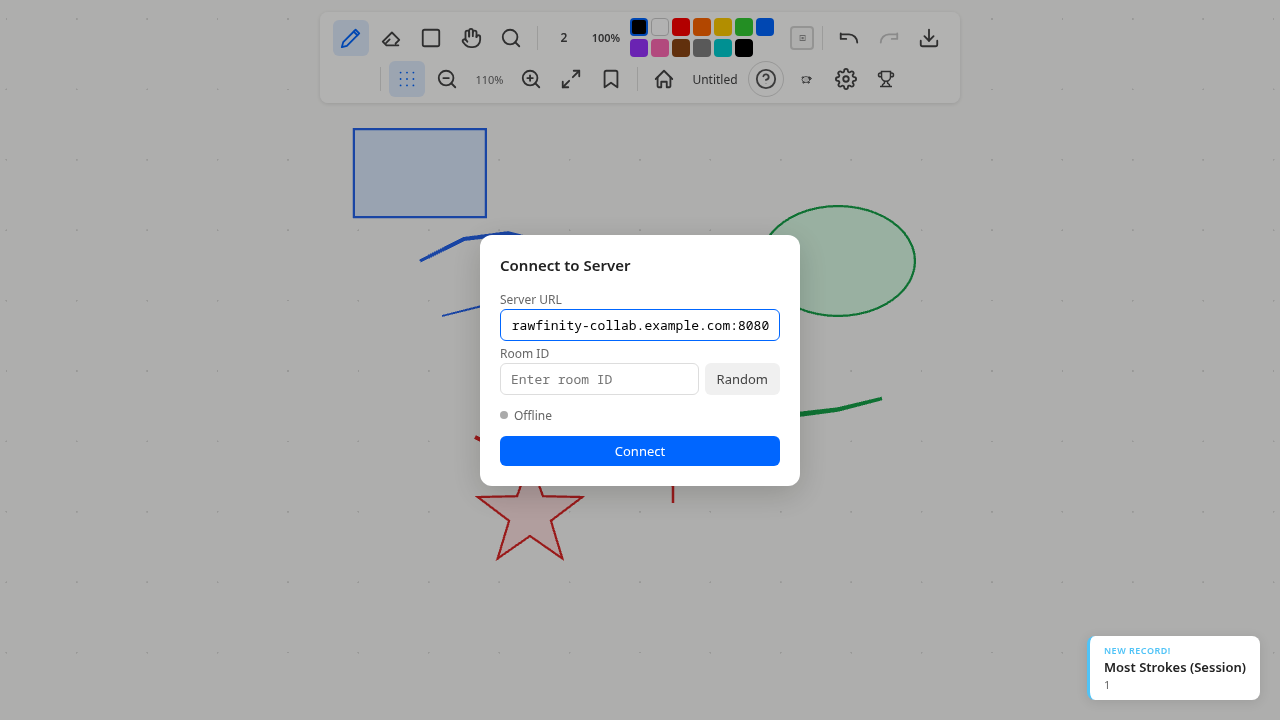
- Press
Ctrl+Kto open the connection panel - Enter a server URL and room ID
- Click Connect and start drawing together
See Collaboration for details on server setup and architecture.
Turtle Graphics
Open the turtle panel with Ctrl+` and write Lua scripts to drive a virtual turtle across the canvas. The turtle draws real canvas strokes as it moves — use it to generate spirals, fractal trees, recursive snowflakes, and other geometric patterns.
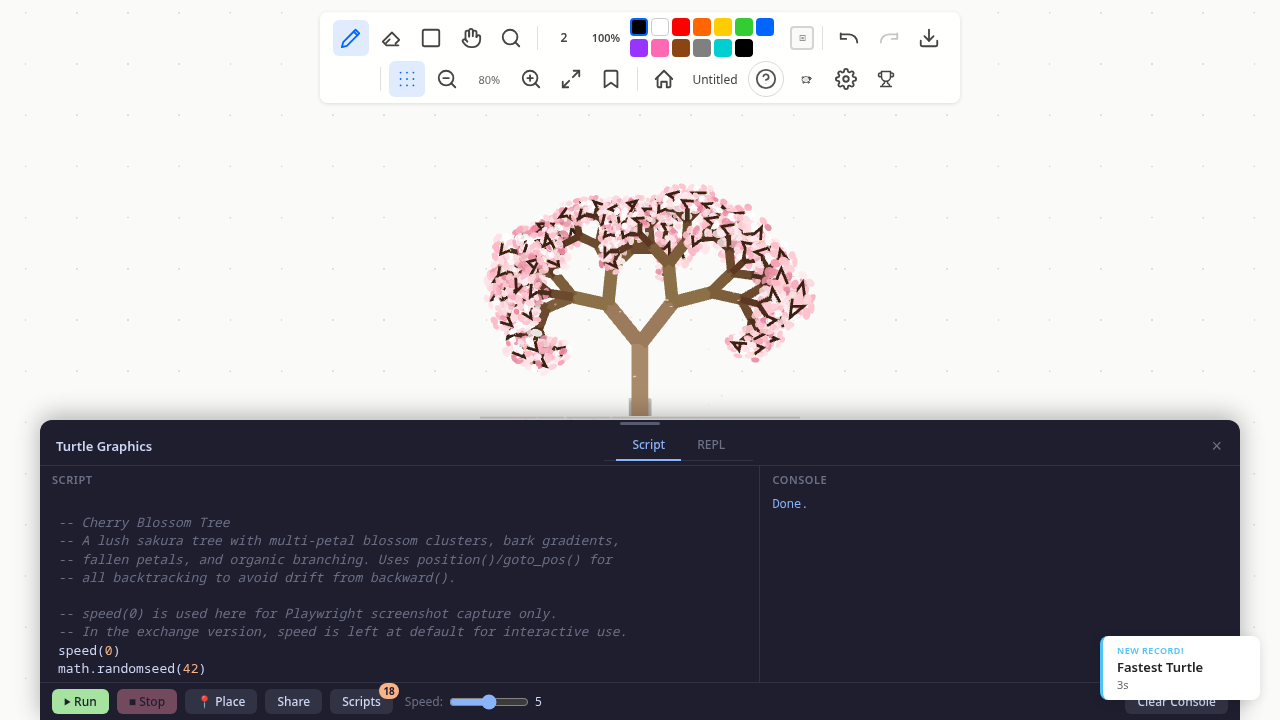
-- Draw a square
for i = 1, 4 do
  forward(100)
  right(90)
end
Built-in examples are included to help you get started. See the Turtle Graphics guide and Turtle API reference for full details.
Camera & Navigation
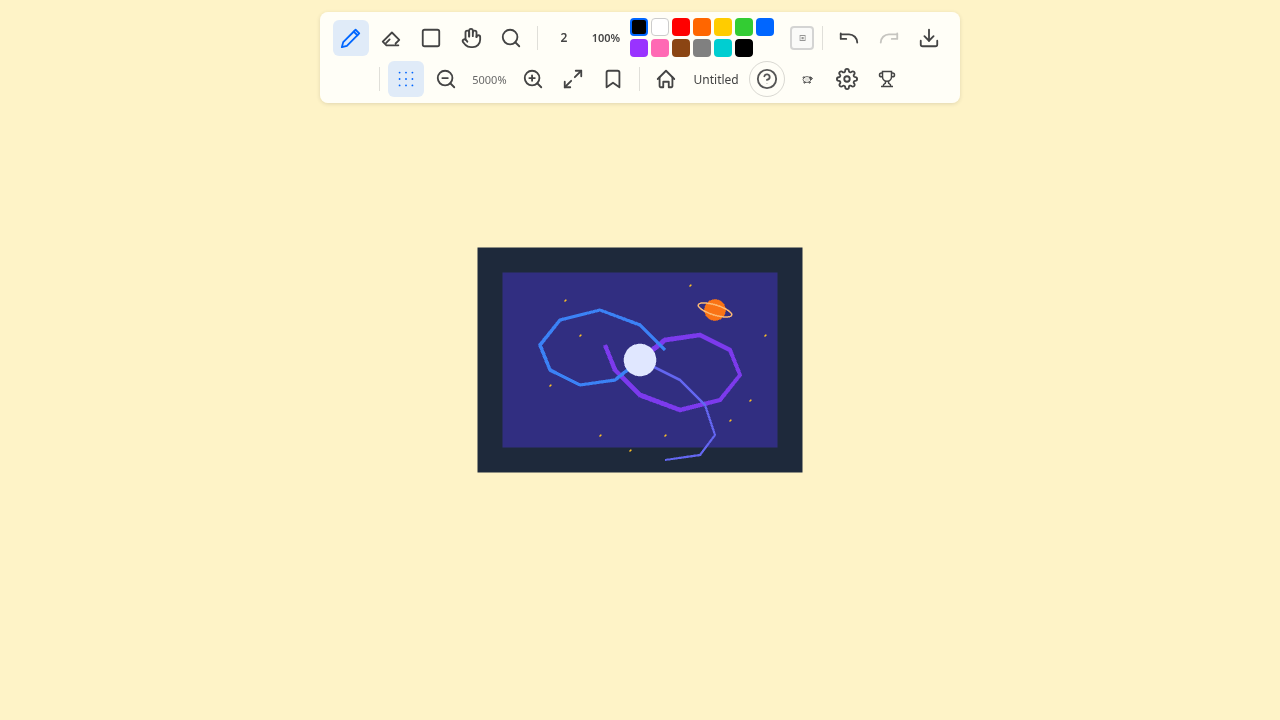
- Momentum panning — flick the canvas and it glides with inertia
- Smooth zoom — scroll wheel, trackpad pinch, or
Ctrl+=/Ctrl+-with animation - Camera bookmarks — save and recall camera positions (
Ctrl+Bto open,Ctrl+Dto quick-add) - Dot grid — toggle a reference grid with
Ctrl+' - Pan modes — middle mouse drag,
Space+ drag, orGto toggle pan/zoom tool
Stylus & Tablet Support
Pressure data is read from PointerEvent.pressure and works with:
- Wacom tablets on all platforms
- Windows Ink via WebView2
- Mouse input defaults to 0.5 pressure, so all brush presets work without a stylus
Cross-Platform Desktop
Drawfinity runs as a native desktop app on Linux, macOS, and Windows via Tauri v2. The desktop build includes file save/load and full tablet support. See Cross-Platform Notes for platform-specific details.